Custom-built enterprise solutions
Integrations and structures aligned to your organization’s unique way of working.

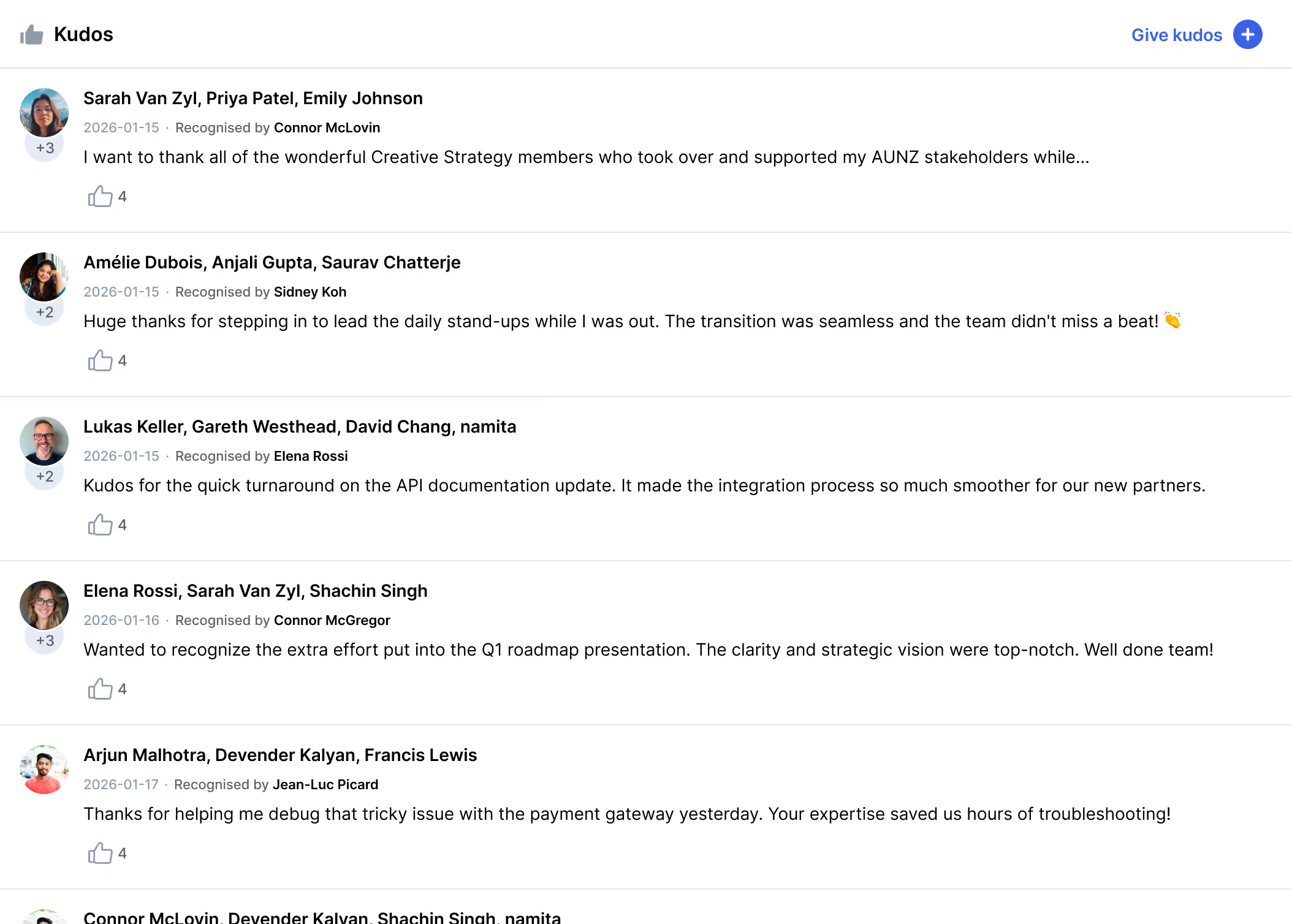
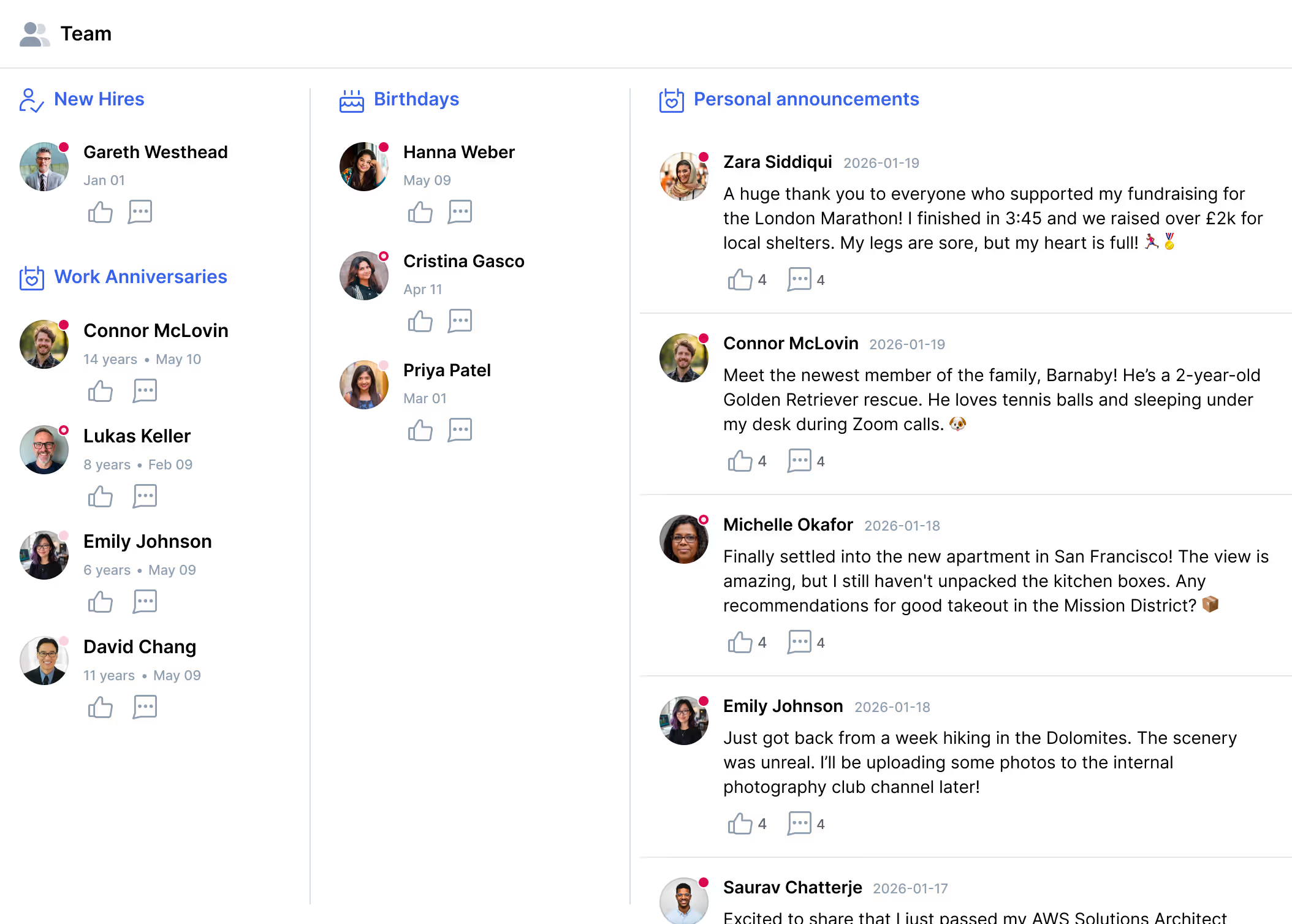

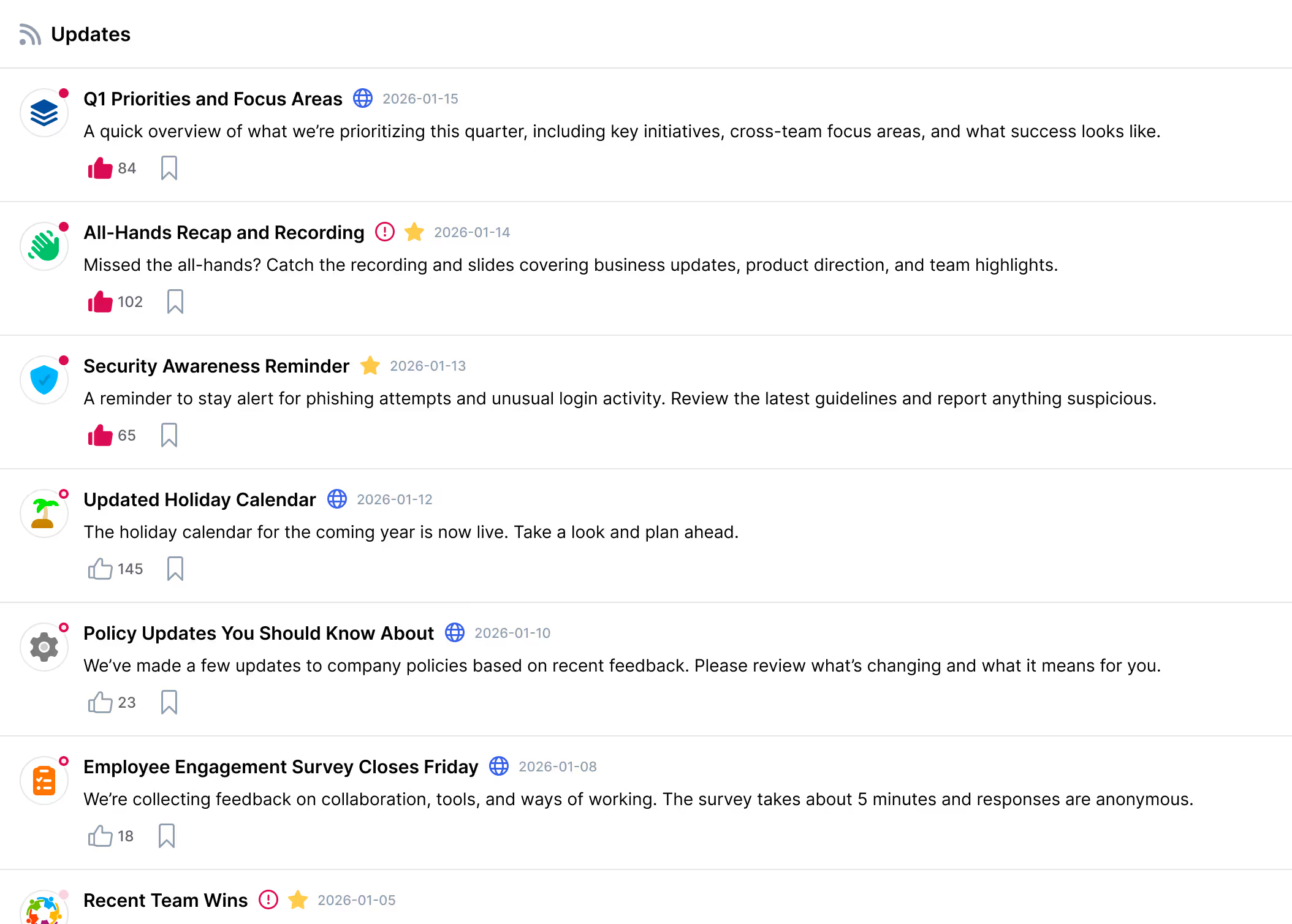
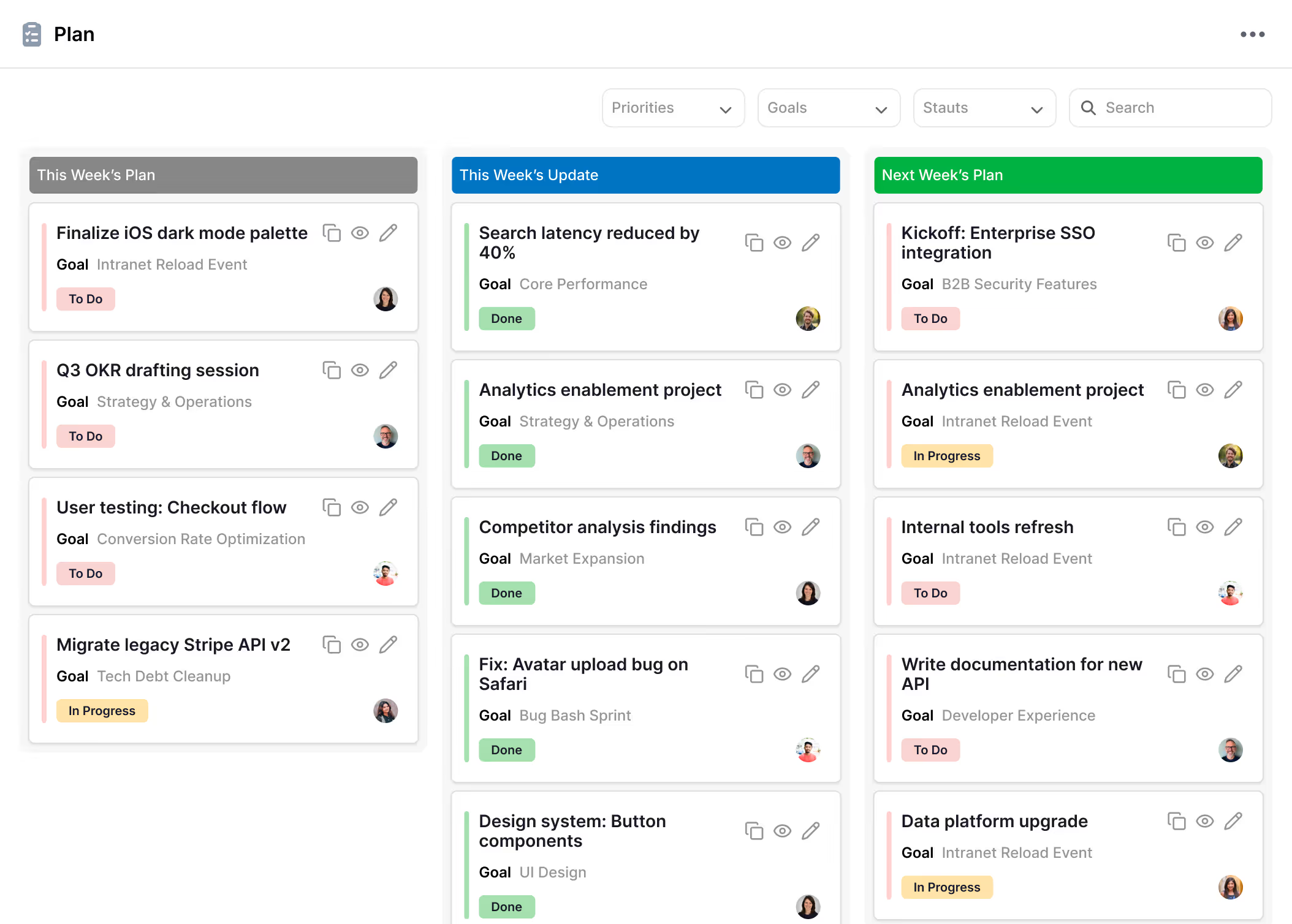
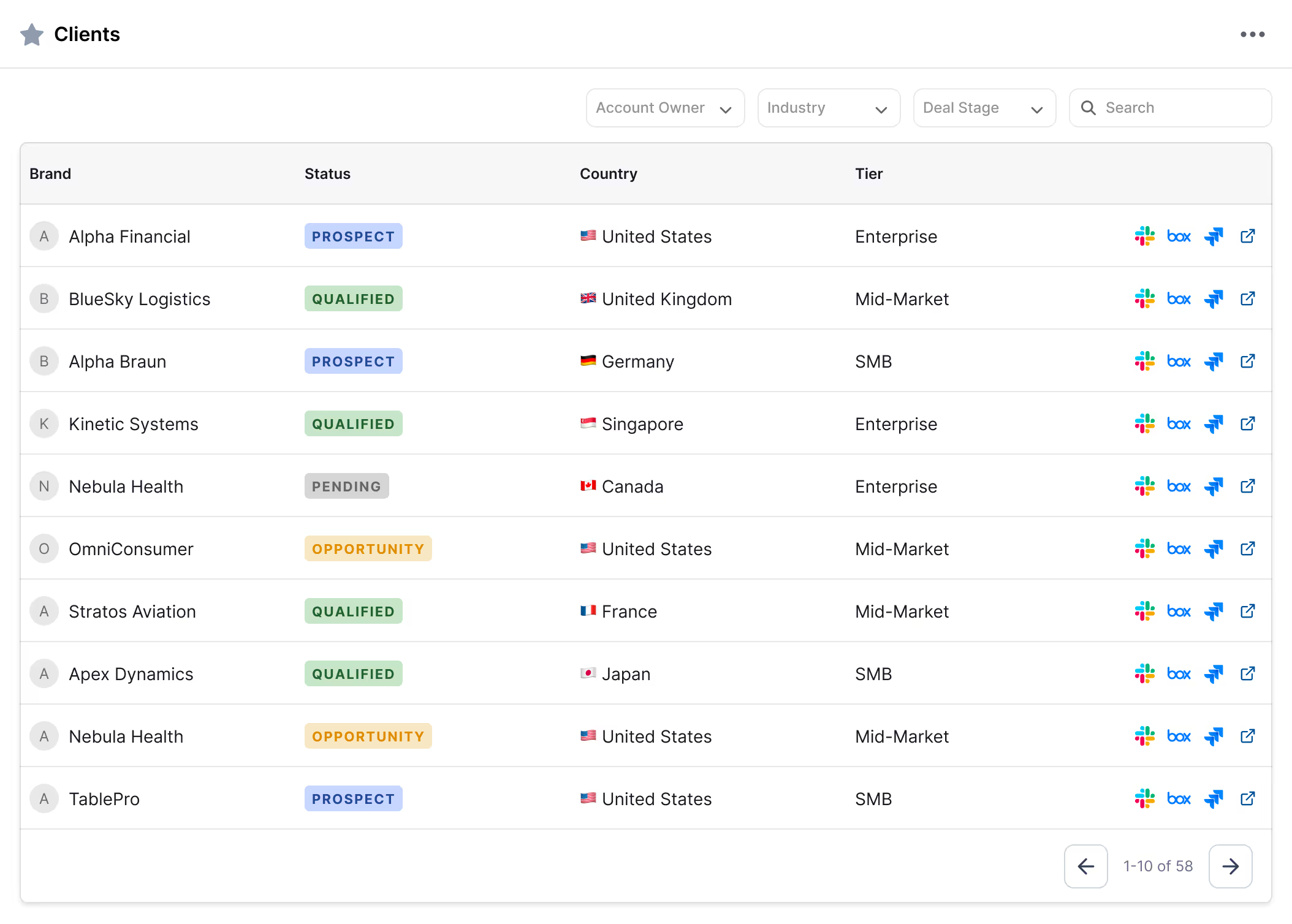

A communication platform designed to accelerate information flow across the enterprise.
Instead of organizing work around tools, ContextSpace organizes it around the business entities that truly matter to your organization, creating clarity, continuity, and momentum across teams.
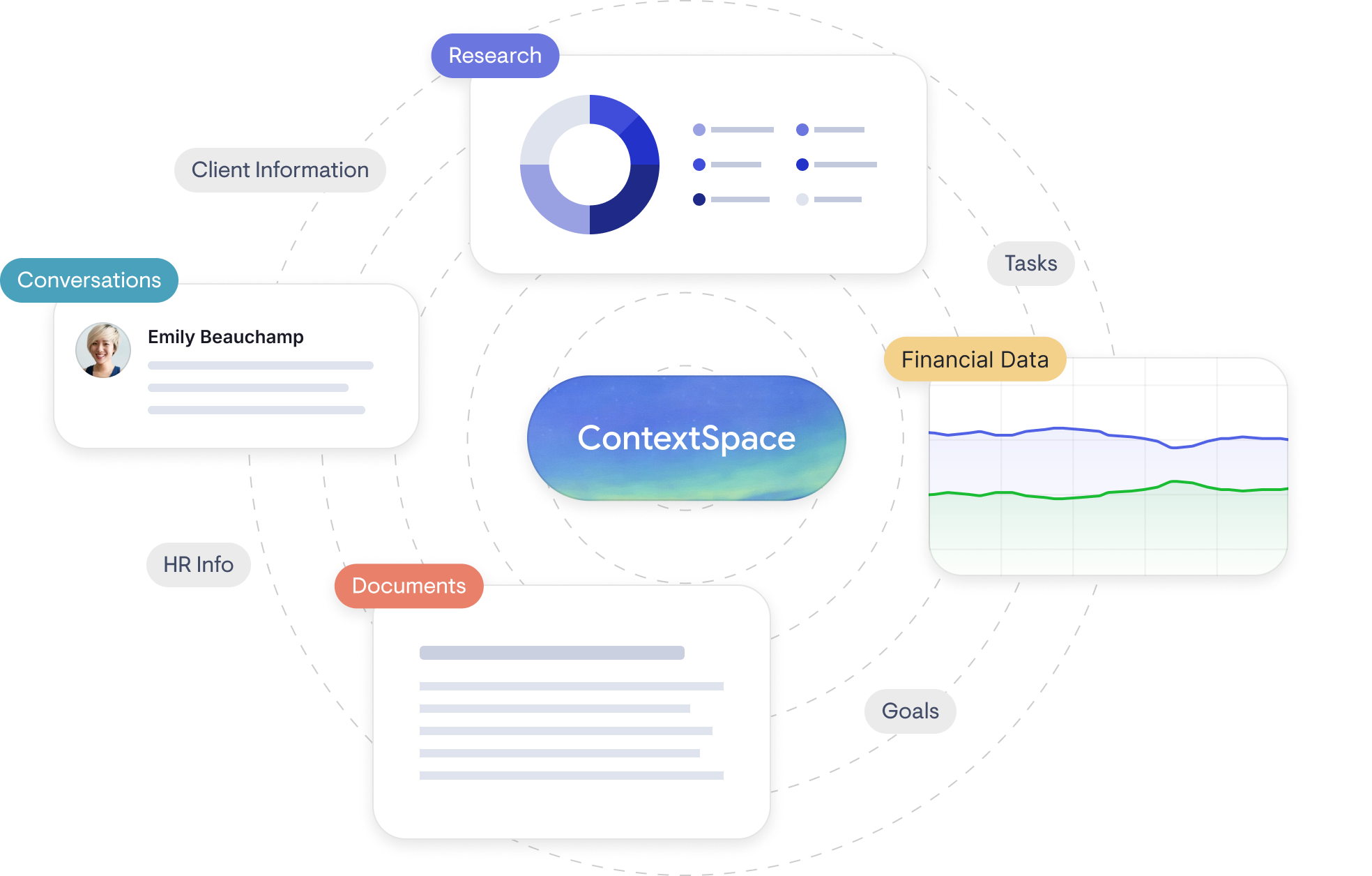
Dynamic workspaces
Each entity is supported by a dedicated contextual space that brings together all relevant information in a single, structured view.
Consistent structure across similar entities
Live data from multiple systems
Familiar layout enables instant productivity
Fluid movement between spaces of the same type
Designed for your organization’s DNA
Every organization uses a different mix of third-party and internal applications. ContextSpace is designed to align with your structure, entities, processes, and technology stack.


Key pillars of information acceleration
Enterprise speed improves when information is structured, accessed, and retained effectively.
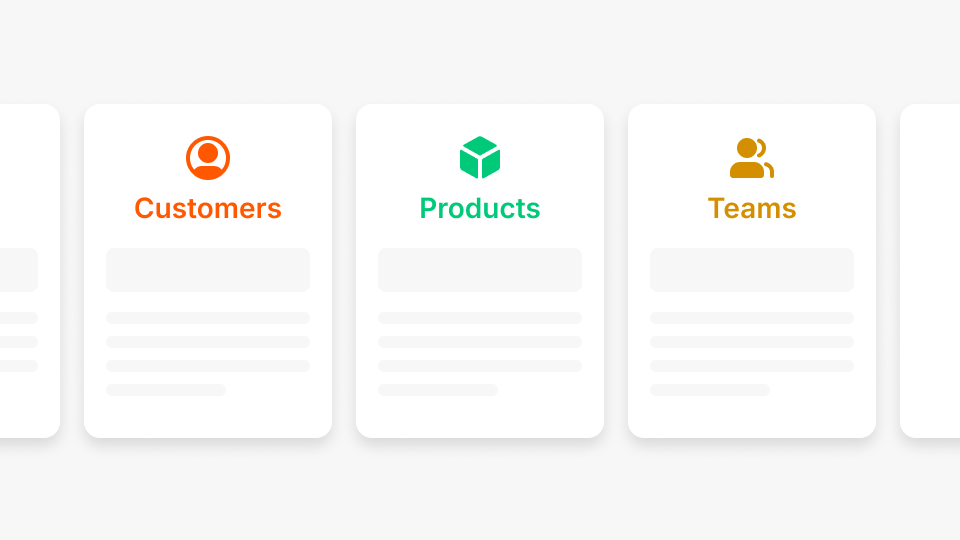
Consistent Structure
When your business information is scattered across applications, it slows you down. Centralizing it into a consistent structure reduces friction and helps teams work faster.
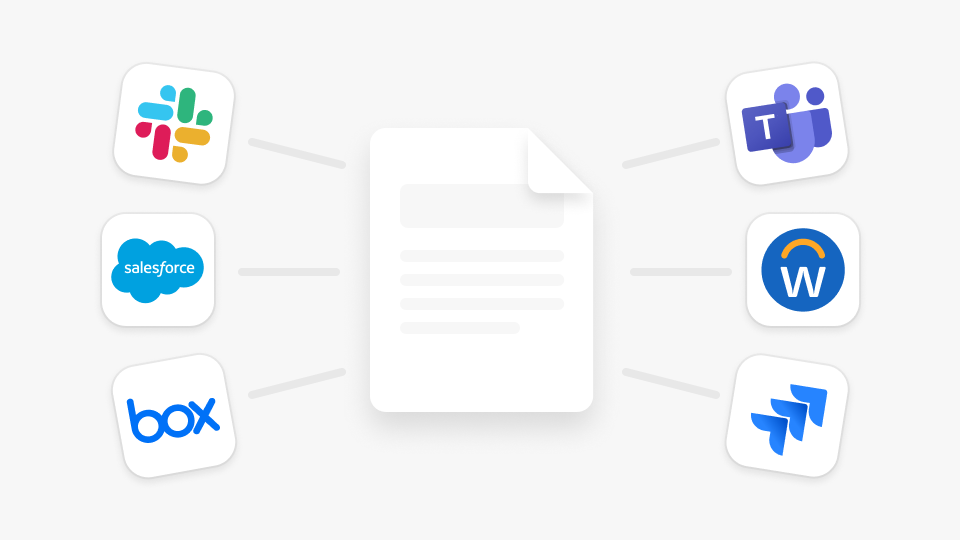
Contextual Integration
Each space stays connected to your internal and external systems, so the right information shows up where you need it, eliminating the need to navigate multiple tools.

Accelerated Fluidity
Once your teams are familiar with one contextual space, they can move confidently across similar spaces with minimal learning curve.

Everyone Is a Producer
The work your teams do every day creates valuable knowledge. A consistent framework helps you capture and retain it, rather than losing it in emails, chats, or conversations.
Our implementation approach
A structured, collaborative approach designed for scalable, long-term adoption across the enterprise.
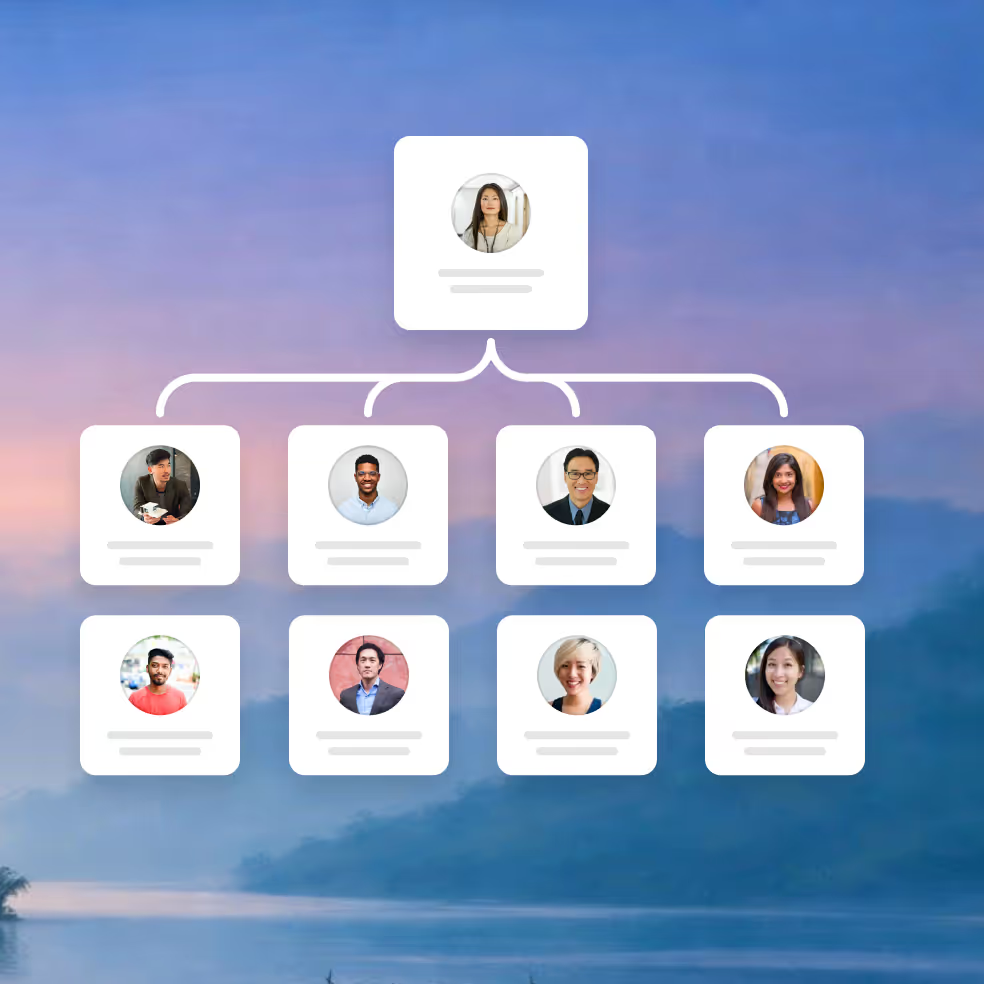
Business structure architecture
The process begins with a deep understanding of how your business operates.
- Collaborate with teams to understand organizational structure and key business entities
- Define contextual spaces for each type of business entity
- Design a navigation model that intuitively reflects your business
Enterprise application integration
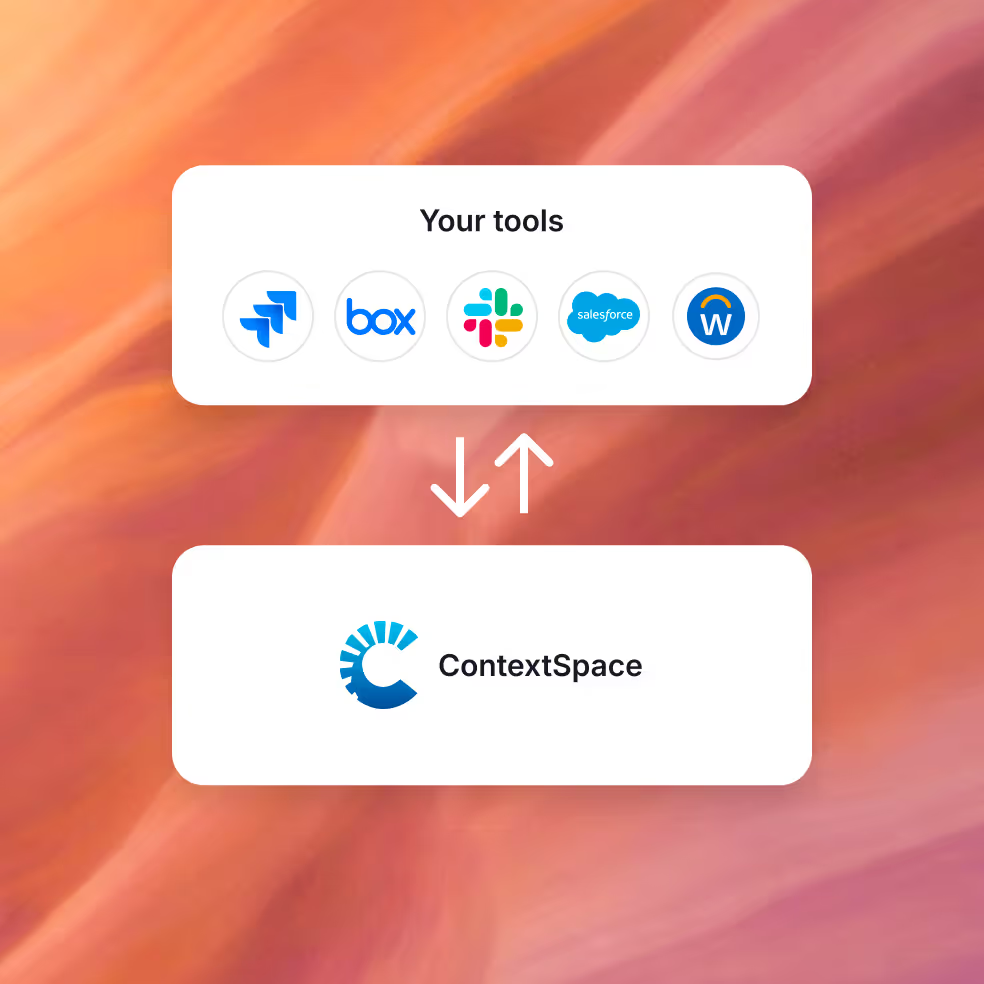
With the structure in place, systems are connected accordingly.
- Replicate your business structure across external applications
- Connect internal and external systems to relevant contextual spaces
- Pull live information via APIs into the appropriate spaces
Enable consistent structure
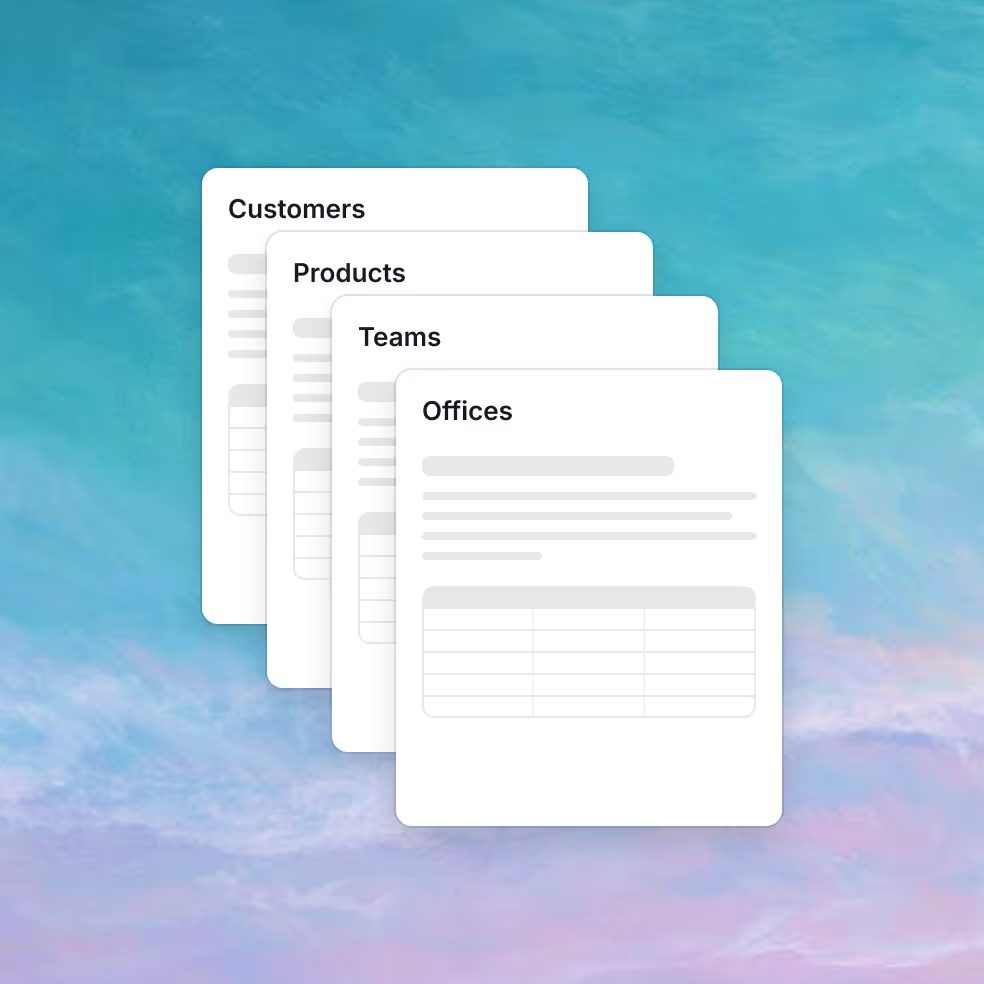
Consistency is key to adoption and speed.
- Design the structure and presentation of each contextual space with business stakeholders
- Implement technology controls to ensure all spaces of the same type remain consistently structured
- Enable teams to create new contextual spaces with a single click, automatically structured and connected
Accelerate adoption
Technology alone doesn’t drive change. People do.
- Help teams create short training videos showing how tools are used in real workflows
- Recruit team-level evangelists to drive adoption and surface new integration ideas
- Partner with executives and people teams to use contextual spaces to accelerate key initiatives

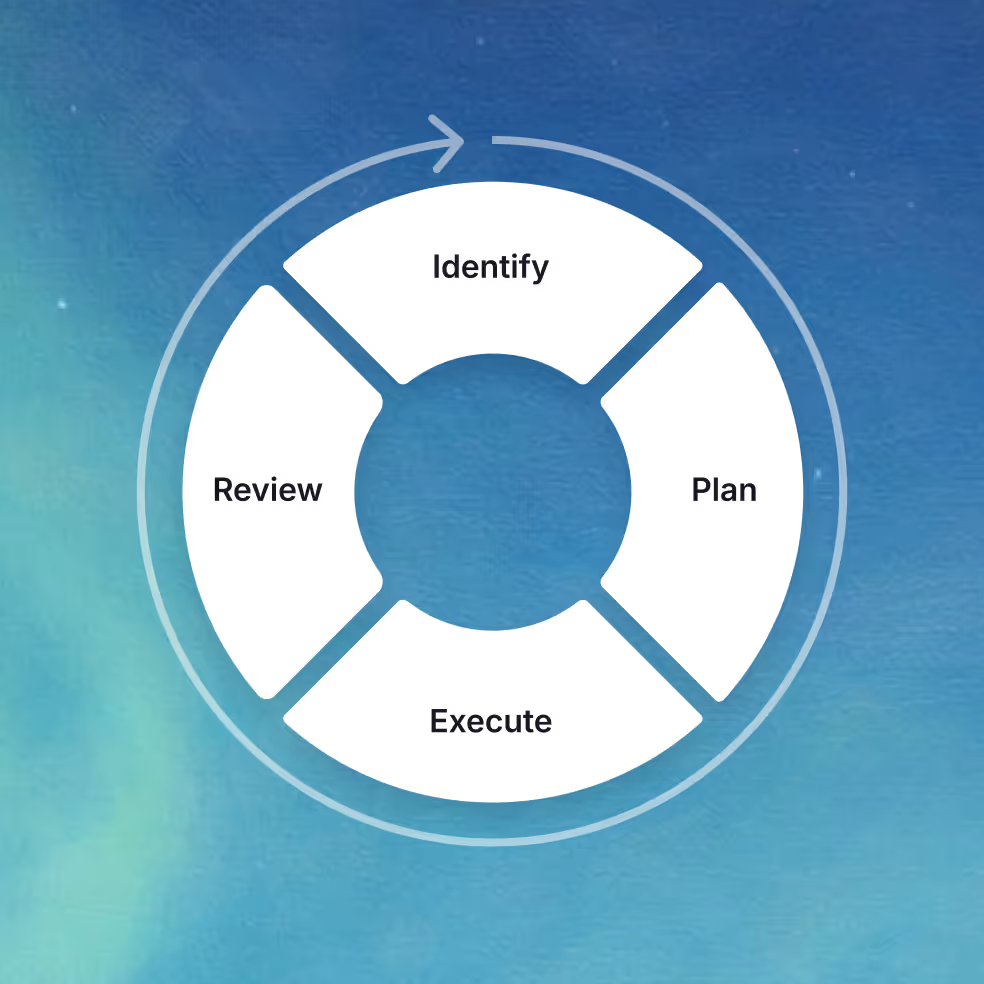
Ongoing evolution
Designed to evolve with your organization and its technology landscape.
- Enhance integrations to surface new views and improve workflows
- Accelerate rollout and integration of new enterprise applications
- Work with teams to evolve contextual spaces for increased speed and productivity
- Build custom integrations as business needs evolve
Talk to us about your workspace
Let’s explore how a context-driven approach can fit your organization.